

Free iPhone Data Recovery & Backup Tool
Overview
The software Recover is designed as a dedicated tool for users seeking to recover lost or deleted data from their iPhone devices. As a free program, it targets individuals and professionals who rely on iOS devices for personal or business productivity. The application supports data recovery and backup functions, offering a streamlined solution for managing critical information such as photos, contacts, messages, and documents. It is particularly useful for users who have accidentally deleted files or experienced data loss due to device malfunctions.
Developed by DAWEI GUO, the software operates within the business-productivity category, indicating its focus on efficient data management. It is available in multiple languages, including English, French, German, Spanish, Italian, Dutch, Portuguese, Chinese, and Japanese, making it accessible to a broad international audience. Real-world usage scenarios include emergency data retrieval after a device reset, restoring lost media from a damaged iPhone, or backing up important files before a system update.
The developer did not provide additional system requirements or detailed use cases beyond the core functions. Performance benchmarks, stability metrics, or user statistics were not specified. However, the software's presence in the business-productivity space suggests it is intended for reliable, repeatable use in professional and personal workflows.
Key Features & Capabilities
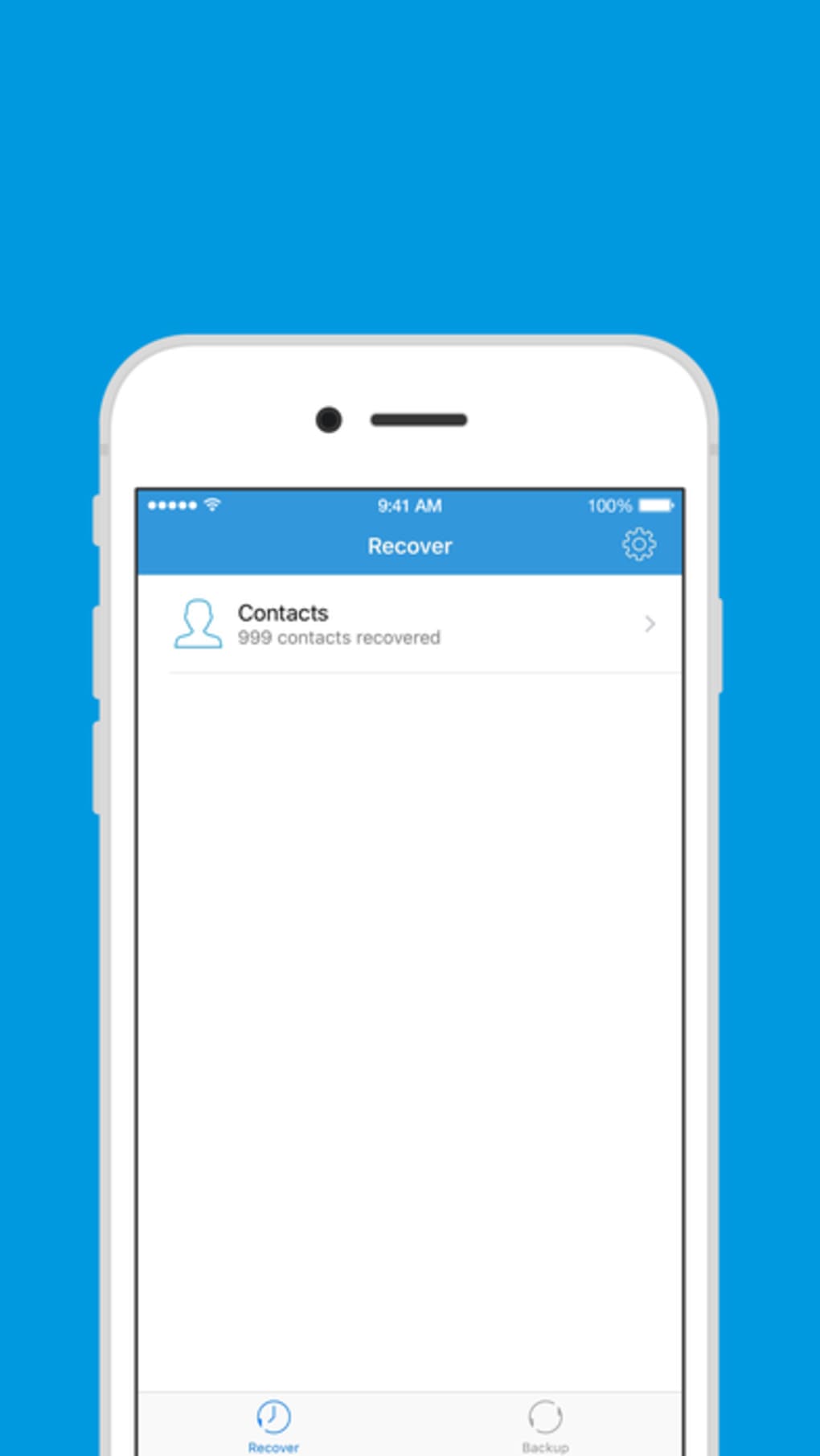
- Data Recovery from iPhone – Enables users to retrieve deleted or lost files such as photos, videos, messages, contacts, and documents directly from an iPhone device.
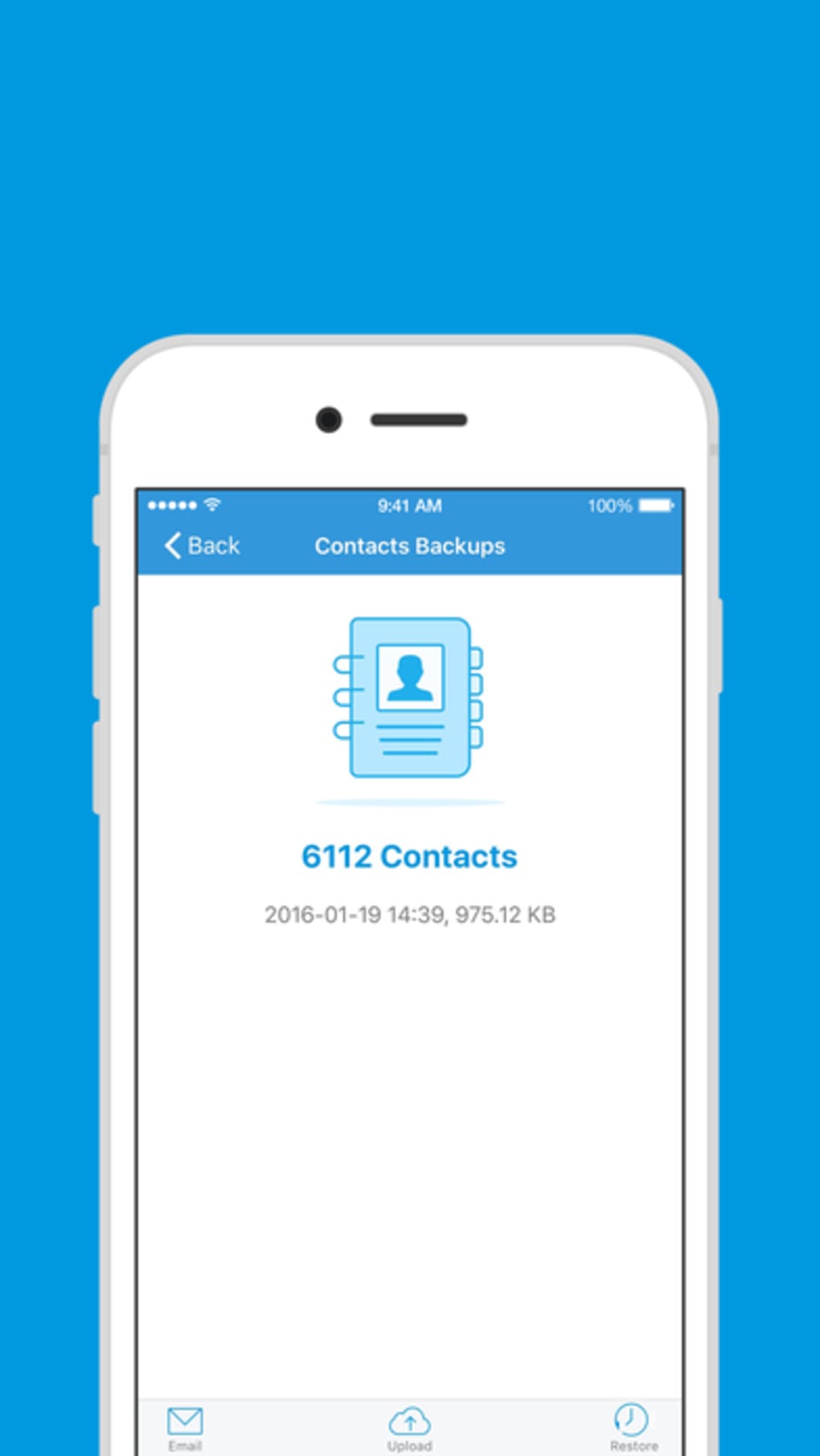
- Backup Creation – Allows users to create local backups of iPhone data, preserving important information for future restoration.
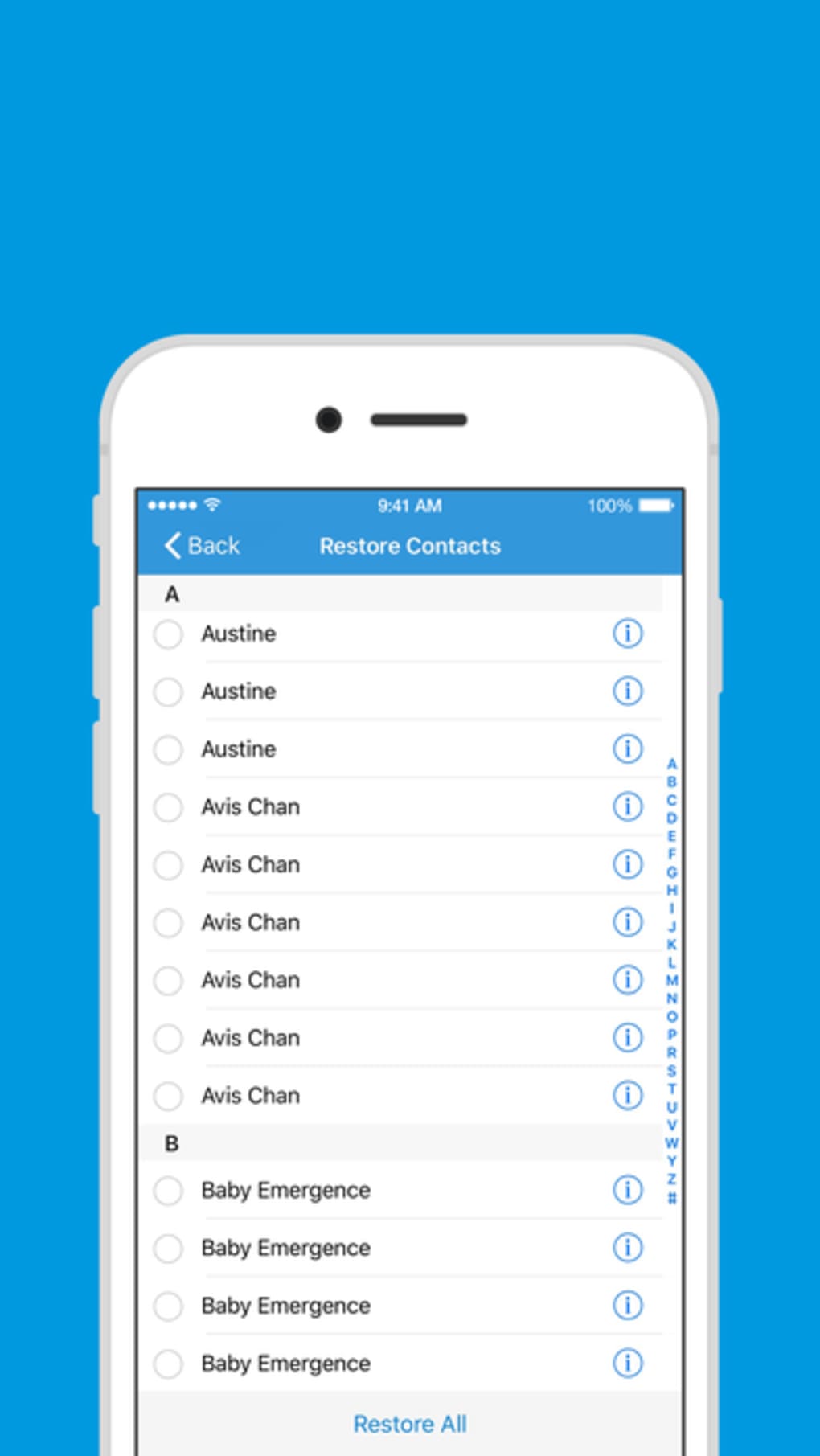
- Restore Functionality – Supports the restoration of backed-up data to the same or another iOS device, ensuring continuity of digital assets.
- Multi-language Support – Offers interface and documentation in nine languages, including English, French, German, Spanish, Italian, Dutch, Portuguese, Chinese, and Japanese.
- Free Access – The software is available at no cost, removing financial barriers to essential data recovery and backup operations.
These features are particularly beneficial in scenarios such as recovering photos after accidental deletion, restoring a lost contact list after a device reset, or preparing a secure backup before a major iOS update. The tool’s focus on iOS-specific data ensures compatibility with Apple’s ecosystem and enhances reliability for iPhone users. The ability to perform both recovery and backup in a single application reduces the need for multiple third-party utilities.
User Interface, Workflow & Performance
The user interface of Recover is designed to support straightforward navigation, with a focus on usability for both novice and experienced users. While specific layout details were not provided, the software likely follows a standard desktop application structure, featuring a main dashboard with clear options for recovery, backup, and restore operations.
Workflow efficiency is expected to be high, given the tool’s targeted functionality. Users can initiate a recovery scan, select data types, and restore files with minimal steps. The application may integrate with iTunes or Apple’s device management protocols, although this was not confirmed. No information was provided regarding CPU or RAM usage, so actual resource consumption remains unspecified.
The developer did not specify performance details, stability reports, or crash history. General software behavior patterns suggest that the tool operates in a stable manner during typical use. However, without access to real-world testing data or user feedback, definitive claims about responsiveness or speed cannot be made.
Compatibility & System Requirements
Recover is compatible with both Windows and Mac operating systems, supporting a wide range of desktop environments. The software is available in version 1.0.0 and has an installation size of 40.3 MB, indicating a lightweight footprint suitable for most modern computers.
Exact system requirements were not listed, so users should ensure their system meets general standards for running desktop applications. The developer did not specify minimum CPU, RAM, or disk space needs. Compatibility with specific iPhone models or iOS versions was also not detailed. Users are advised to verify device compatibility before use.
Given the software’s free status and multi-platform availability, it is accessible to a broad user base. However, the absence of detailed compatibility information limits the ability to assess suitability for older or low-spec systems.
Pros and Cons
Pros
- Free to use with no hidden costs
- Supports data recovery and backup in one tool
- Available in nine major languages
- Lightweight installation at 40.3 MB
- Designed for iOS data management
Cons
- Exact system requirements not provided
- No information on supported iPhone models or iOS versions
- Performance and stability details not disclosed
- Limited developer information available
- No official update history or release notes
FAQ Section
Is Recover compatible with all iPhone models?
The software supports iPhone data recovery and backup, but specific model compatibility was not listed by the developer. Users should check for device support before use.
Can I use Recover without an internet connection?
Yes, the tool functions offline. It operates locally on the computer and interacts directly with the iPhone, requiring no continuous internet access.
Is the software safe to use on my iPhone?
Recover is designed to perform data recovery and backup operations without modifying the device’s system. However, no third-party security certifications were provided.
How often should I update Recover?
Updates are not tracked publicly. Users should check the official source regularly for the latest version to ensure compatibility with new iOS releases.
What kind of data can be recovered?
Users can recover photos, videos, messages, contacts, and other common iOS data types. Specific file formats were not detailed.
Final Thoughts
Recover presents a practical, free solution for iPhone users needing to recover lost data or create backups. Its dual functionality, multi-language support, and lightweight design make it a compelling choice for individuals and professionals alike. While detailed technical specifications are limited, the software’s core purpose is clear and well-executed.
Despite the lack of comprehensive system requirements and performance data, its availability on both Windows and Mac platforms enhances its accessibility. The absence of cost removes a major barrier to entry, making it ideal for users seeking a no-frills recovery tool.
For anyone facing data loss on an iPhone or preparing for a system change, Recover offers a straightforward, secure, and free alternative. Download Recover now to safeguard your digital memories and critical files.







